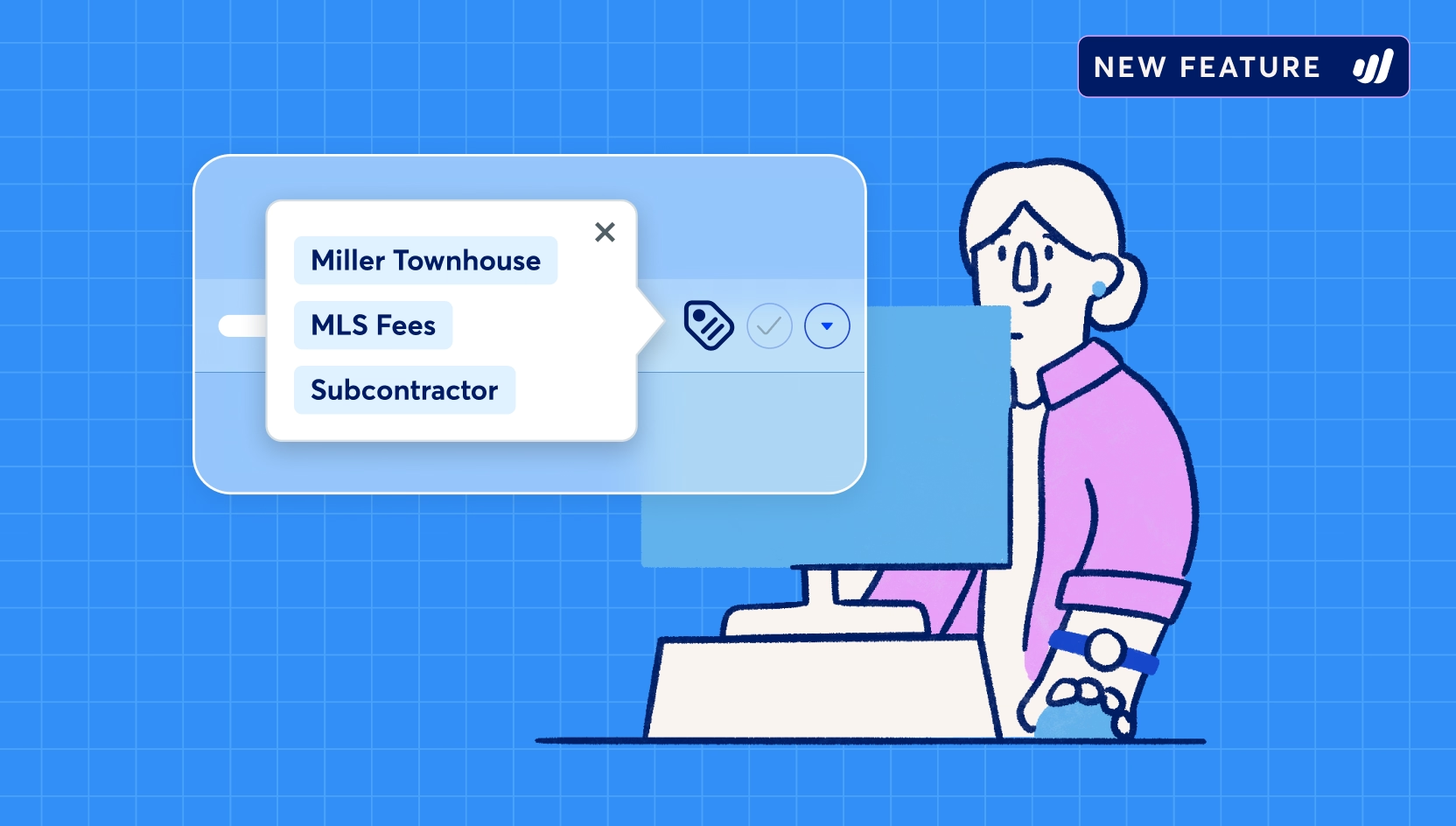

Tags: Understand your business profitability in Wave

Running a business means asking one big question: “Am I actually making money — and where?”
Most small businesses know their revenue, but they don’t always know their profit at a granular level. Understanding which customers, projects, locations, or services are profitable is what helps you make smart business decisions and know which parts of your business deserve more attention based on your priorities.
When your data is fragmented, it’s difficult to get the full picture of your business’s performance. Spreadsheets multiply, reports get complicated, and answers take longer than they should.
That’s why we built our tags feature — a simple, powerful way to organize your transactions and instantly unlock clearer reporting and profitability clarity in one place, right inside Wave.
Let’s dive into how our new tags feature works, and how it helps business owners like you stay in control.
Why profitability is hard to see (Even when you have the numbers)
The most successful businesses don’t just track their numbers, they understand them.
Deeper business clarity comes from understanding how specific parts of your business are performing. When profitability becomes clear, decisions become easier.
Tagging your transactions helps you answer questions like:
- Which services bring in the most profit?
- Are certain clients costing more than they earn?
- Is one location outperforming another?
- Which marketing efforts actually pay off?
Our tags feature helps you move from: “How much did I make?” to “What made me money, and should I do more of it?”
What is Wave’s tags feature?
Tags are labels you can attach to transactions, like:
- Projects
- Clients
- Locations
- Revenue streams
- Events or campaigns
- Business divisions
Our tags feature lets you label and organize your income and expenses based on how your business operates.
If you’re a freelancer tracking multiple clients, a contractor managing projects, or a service provider analyzing revenue streams, tags adapt to how you work and show you how each project or job is performing financially.
You don’t need accounting expertise to start tagging; our tags feature was designed with small business owners in mind.
How do I tag a transaction in Wave?
Instantly see what’s profitable
Tags turn everyday bookkeeping into meaningful business clarity.
Once transactions are tagged, you can quickly:
Before tags, understanding profitability often meant:
- Exporting reports
- Building spreadsheets
- Double-checking formulas
Instead of changing your chart of accounts or creating complicated workarounds, you simply tag transactions and let Wave do the rest.
With tags, you’re not just tracking numbers; you’re understanding business performance on a deeper level.
Reporting that answers questions
Most reports tell you what happened. When you tag your transactions, reporting tells you why it happened. Tag-based reports enable you to view and analyze tagged transaction totals and trends over periods.
Filter and review financial reports based on the dimensions that matter most to your business, and make faster decisions like:
- Where to invest more time
- What to scale
- What to stop doing
- Which opportunities deserve attention
Since tags sync with Wave’s reporting, your accounting data stays accurate and up-to-date. The organization happens as you work, which means less admin work, and more time to focus on growing your business.
Start using tags today
Wave’s tags feature helps you organize your finances, simplify reporting, and gain deeper clarity into your business performance.
Create your first tag, apply it to your transactions, and see how quickly your financial picture comes into focus.
Better organization leads to better business clarity, and better business clarity leads to smarter growth.


(and create unique links with checkouts)
*While subscribed to Wave’s Pro Plan, get 2.9% + $0 (Visa, Mastercard, Discover) and 3.4% + $0 (Amex) per transaction for the first 10 transactions of each month of your subscription, then 2.9% + $0.60 (Visa, Mastercard, Discover) and 3.4% + $0.60 (Amex) per transaction. Discover processing is only available to US customers. See full terms and conditions for the US and Canada. See Wave’s Terms of Service for more information.
Ready to see what’s really driving your business?
Start using tags today, with Wave’s Pro Plan.
The information and tips shared on this blog are meant to be used as learning and personal development tools as you launch, run and grow your business. While a good place to start, these articles should not take the place of personalized advice from professionals. As our lawyers would say: “All content on Wave’s blog is intended for informational purposes only. It should not be considered legal or financial advice.” Additionally, Wave is the legal copyright holder of all materials on the blog, and others cannot re-use or publish it without our written consent.
Read next