
Get clarity on projects and profitability with tags
Use tags to unlock clearer reporting, organized accounting, and cash flow clarity, in one place. Sign up for Wave’s Pro Plan to get started.





Get a deeper view of
your business with tags
Tagging your transactions and invoices gives you a granular view of your business, so you can act on facts — not guesswork.

See profit by project
Tag income and expenses by project to identify which ones are costing more than expected, and focus on the work that drives results.
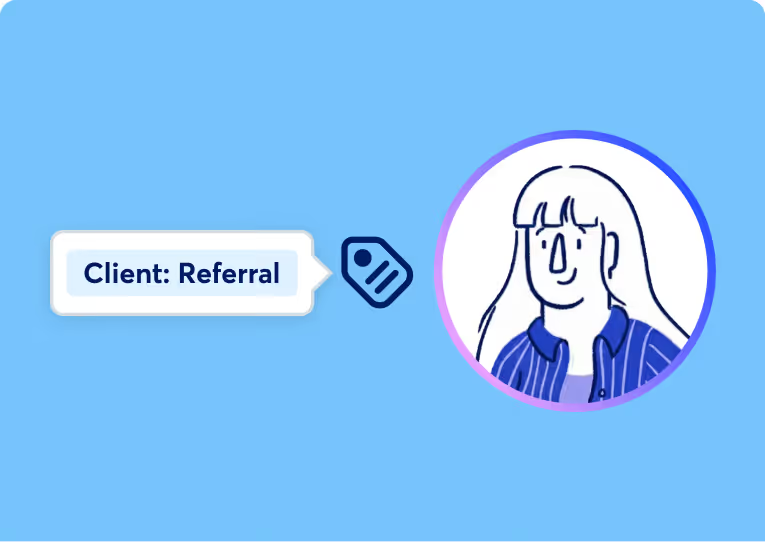
Know who your top clients are
Track income by client type — for example, "Referrals" vs "Walk-ins" — to see who’s bringing in profit, and who’s slowing you down.
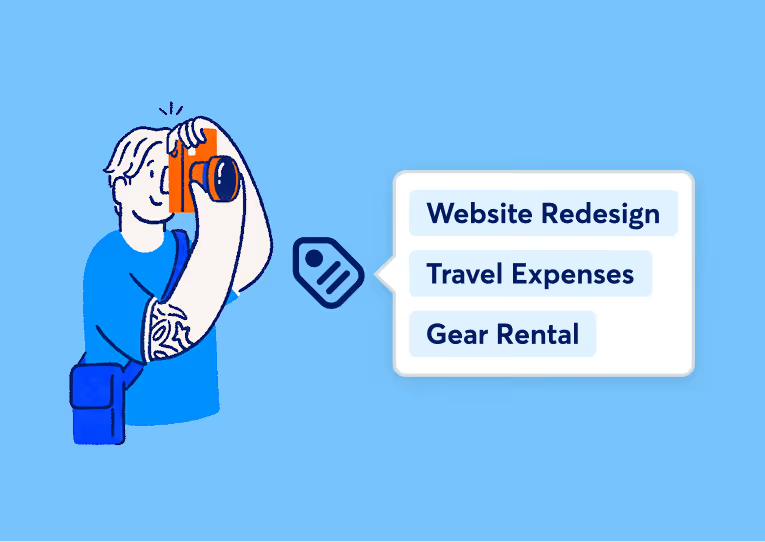
Get the full picture
Multiple projects on one bill? Easily split a single transaction and apply tags to each line item for better clarity on bulk purchases.
Compare how your projects
are performing
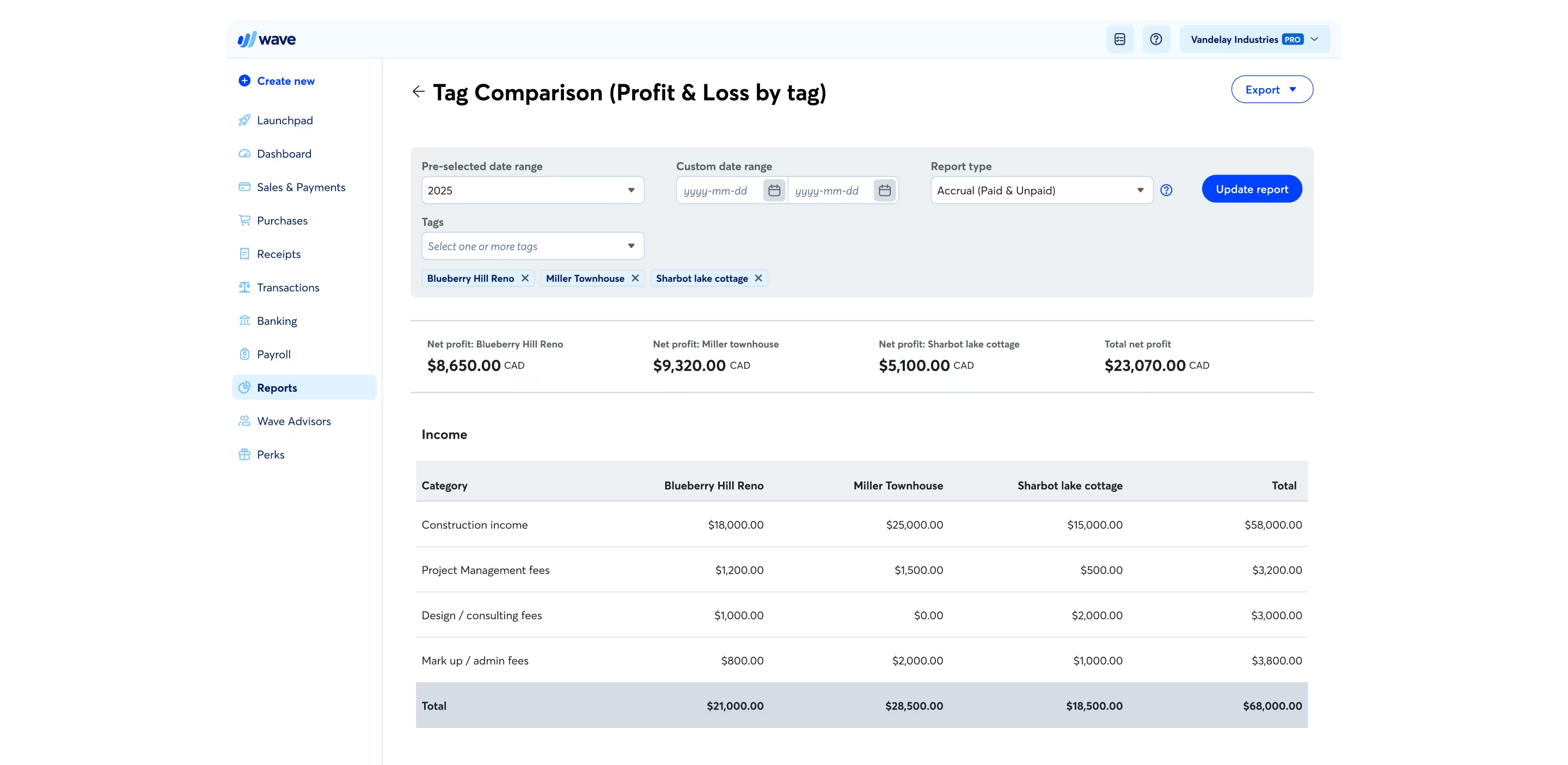
With the tags comparison report, compare up to 7 tags side-by-side in a single view to see net profit per project, client, or campaign.



“[Tags will] really help us with our cash flow. It’s nice to be able to look at that granular level of… how does that average out over the year? That’s going to be huge for us.”


How tagging transactions works in Wave
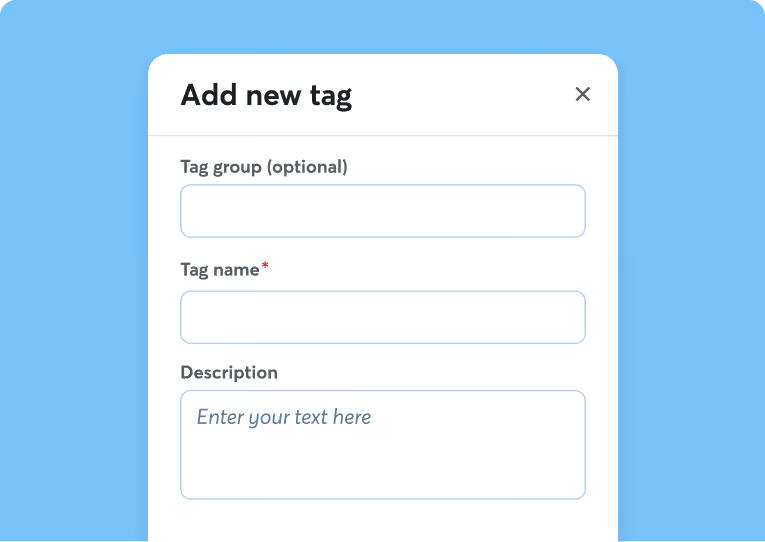
Step 1:
Create a tag for a project, location, channel, or any label that fits your business.
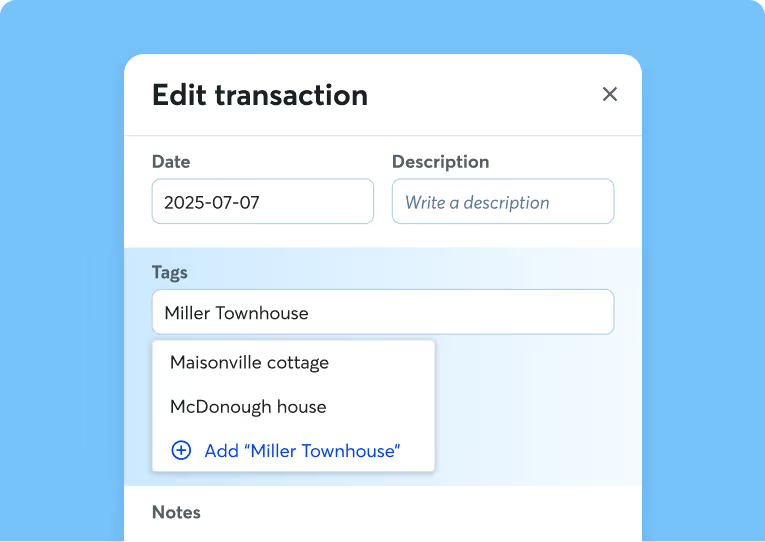
Step 2:
Apply your tag to an income or expense transaction. Select multiple transactions at once — no need to tag one-by-one.
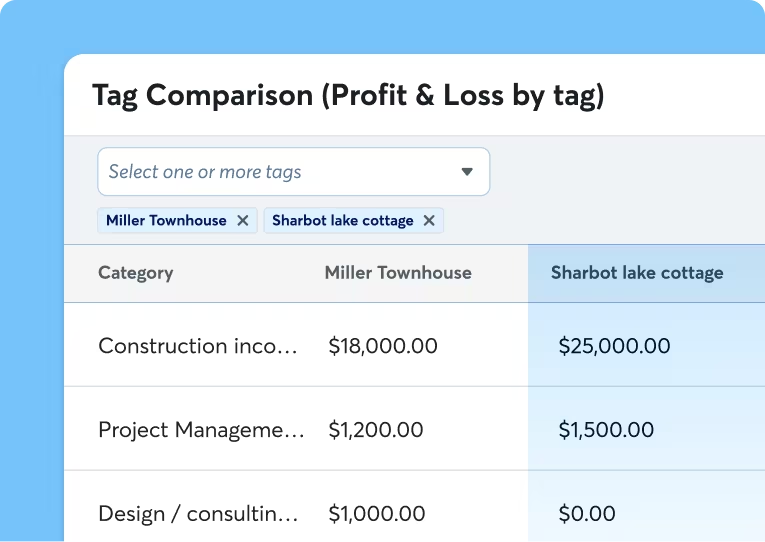
Step 3:
Open the Tag Comparison (Profit & Loss by tag) Report to instantly see profitability.
Deepen your reporting data with tags

Get business clarity
Tags shift your reporting from "How much did I make?" to "What made me money, and should I do more of it?" They clarify how specific parts of your business are performing.
Reduce manual work
Download your financial reports, filtered by your custom tags, to see how projects, types of customers, or campaigns are performing — no exporting or spreadsheets needed.
Save time as you organize
Tags sync with your accounting data, so your reports stay accurate and up-to-date, without the admin work.
Built for businesses like yours
Construction and home services

Creatives and
freelancers

Real estate

Consultants

Everything else included in Wave’s Pro Plan
Tags are just the start. With Wave’s Pro Plan, sync your bank transactions, scan unlimited receipts, access user seats, and more — for less than $1 a day.

Want to look more polished, save more time, and conquer cash flow? It’s Pro time.
Want to look more polished, save more time, and conquer cash flow? It’s Pro time.
Option to accept online payments at a discounted rate
2.9% + $0** per credit card transaction
3.4% + $0** per Amex transactionCreate unlimited estimates, invoices, bills, and bookkeeping records
Invoice on-the-go with the mobile app
Manage cash flow and customers in one dashboard
Automate late payment reminders
Auto-import bank transactions*
Digitally capture unlimited receipts and track expenses
Auto-merge and categorize bank transactions
Add users to your account
Access live-person chat and email support
New! Add attachments to invoices and estimates
New! Create reusable message templates
New! Manage accounting transactions in the mobile app
Frequently asked questions about tags
What exactly is Wave’s tags features?
Tags are labels you attach to transactions. You can use tags to label transactions based on attributes like:
- Projects
- Clients
- Locations
- Revenue streams
- Events or campaigns
- Business divisions
How does tagging my transactions help my business?
Tags help you understand business performance on a deeper level. When you tag your transactions, you can quickly:
- Compare profitability across projects
- Track performance by client or service
- Understand where money is really being spent
- Generate clearer, more actionable reports beyond traditional accounting categories
Instead of changing your chart of accounts or creating complicated workarounds, simply tag transactions for easy filtering and reporting.
How are tags-based reports different from default reports in Wave?
Default reports, like profit and loss statements, tell you what happened. When you tag your transactions and filter your reports, you get a deeper understanding of why it happened. With tags, filter and review financial reports based on the dimensions that matter most to your business.
How do tags help me make business decisions?
Reviewing financial reports with tag-based filters can help you answer questions like:
- Which services bring in the most profit?
- Are certain clients costing more than they earn?
- Is one location outperforming another?
- Which marketing efforts actually pay off?
By answering these questions, tags can help you make faster and more-informed business decisions, such as:
- Where to invest more time
- What services or products to scale
- What to stop doing
- Which opportunities deserve attention
Since tags sync with Wave’s reporting, your accounting data stays accurate and up-to-date. The organization happens as you work, which means less admin tasks and more time to focus on growing your business.
Which types of businesses benefit from using tags?
Any type of business can benefit from using tags to label business transactions. Wave’s tags feature lets you label and organize your income and expenses based on how your business operates.
If you’re a freelancer tracking multiple clients, a contractor managing projects, or a service provider analyzing revenue streams, tags adapt to how you work and show you how each project or job is performing financially.
How do I access the tags feature in Wave?
The tags feature is available to Wave users who are subscribed to the Pro Plan. To upgrade to the Pro Plan, sign into Wave. Visit your dashboard or use your invoicing or accounting features, and click the “Upgrade now” button. Learn more about changing subscription periods and plan types in our Help Center.
*We use Plaid to facilitate bank connections. Not all financial institutions are supported so we can’t guarantee that you will be able to connect an account. Check Plaid's troubleshooting guide for more information.
**Listed price for the Pro Plan applies to new subscriptions only and does not affect existing subscriptions unless they cancel, resubscribe, or modify their billing cycle. Prices do not include applicable tax. Subscriptions auto-renew. Cancel anytime. See our Subscription Terms of Service for more information.
***While subscribed to Wave’s Pro Plan, get 2.9% + $0 (Visa, Mastercard, Discover) and 3.4% + $0 (Amex) per transaction for the first ten cumulative transactions in a monthly subscription period, then 2.9% + $0.60 (Visa, Mastercard, Discover) and 3.4% + $0.60 (Amex) per transaction thereafter. Discover processing is only available to US customers. See our Payments Terms of Service for more details.